THE SCALPS SMP HAIRLINE SIMULATOR
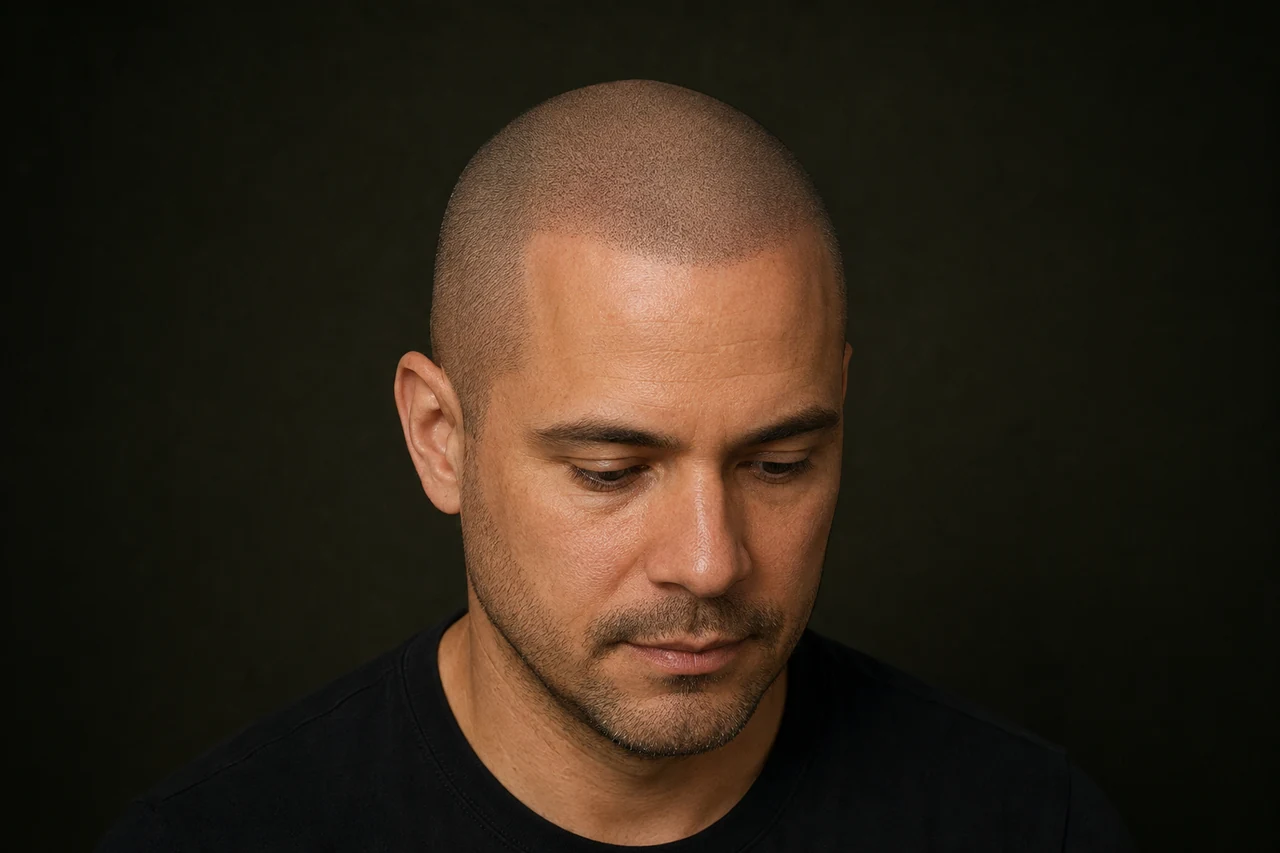
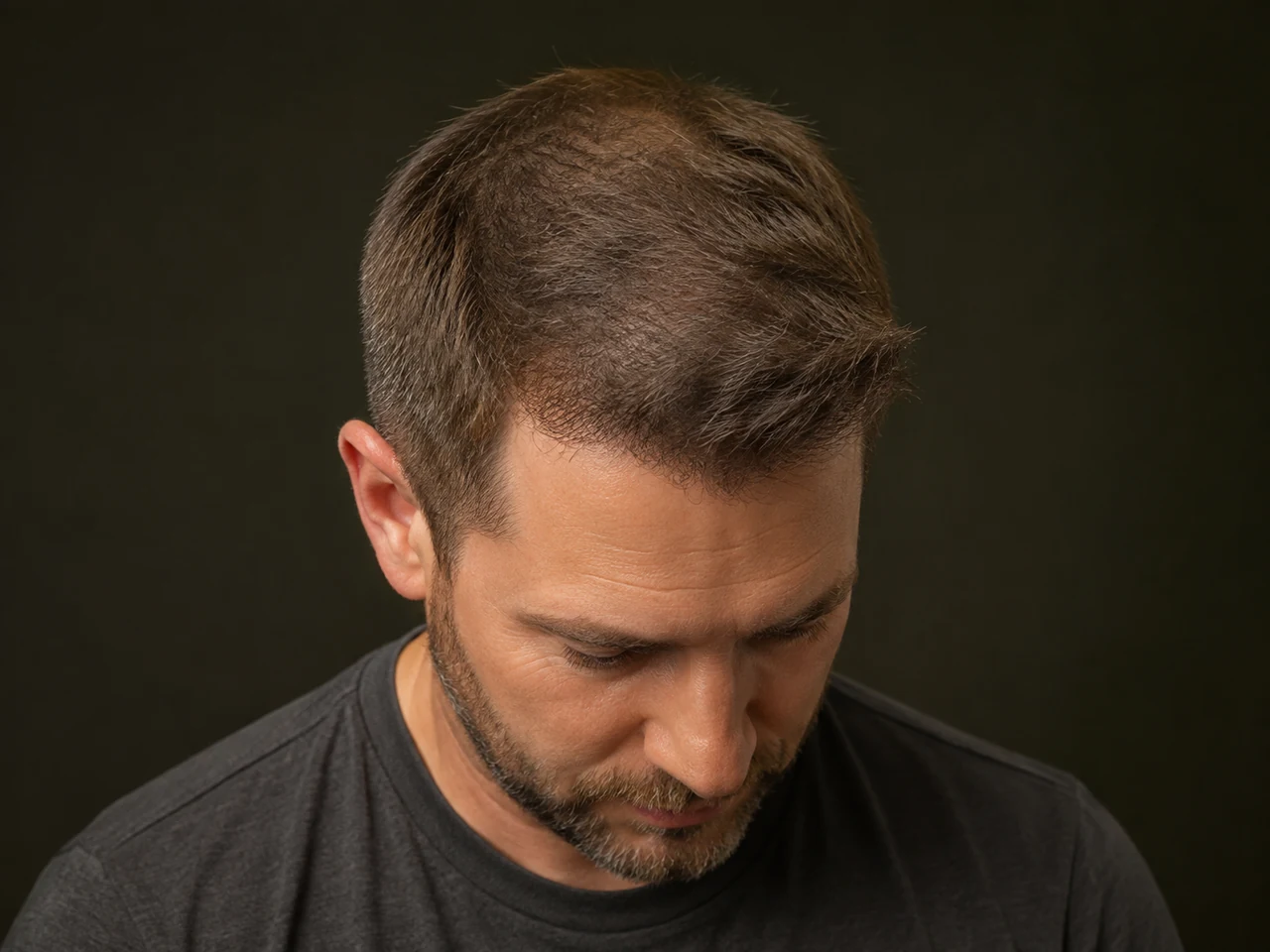
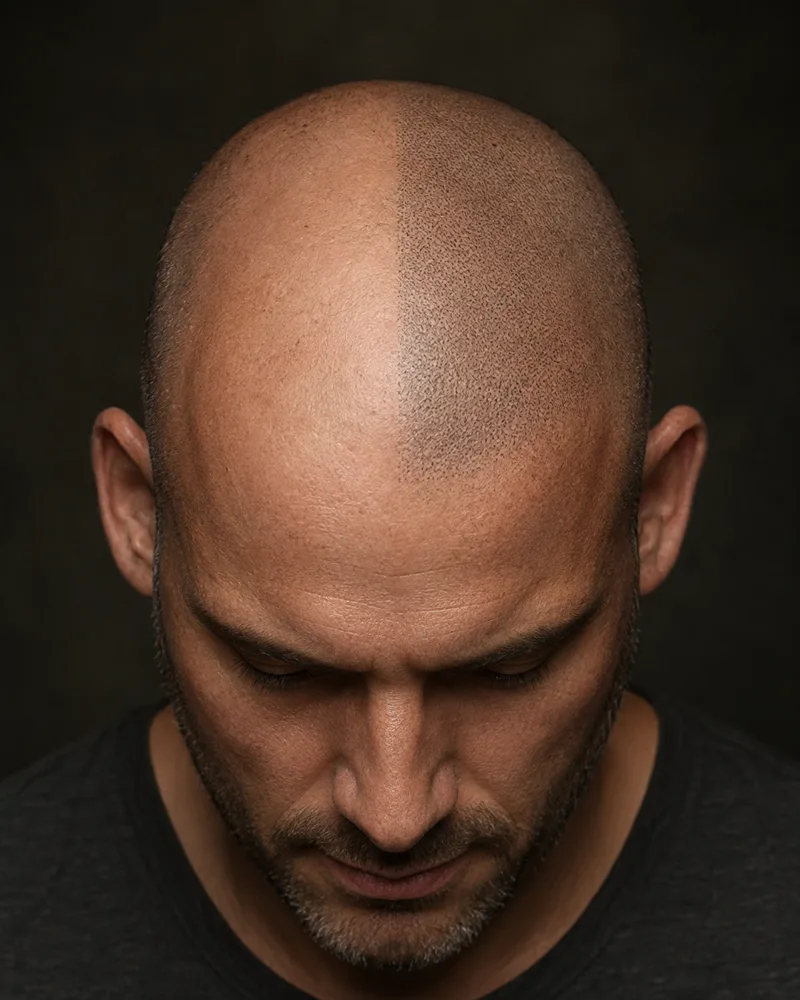
Preview a shaved hairline on your own photo. Try a shape and position before requesting your free illustrative preview.
Open the hairline simulatorFree preview · U.S. mobile number required · Opens in a new tab
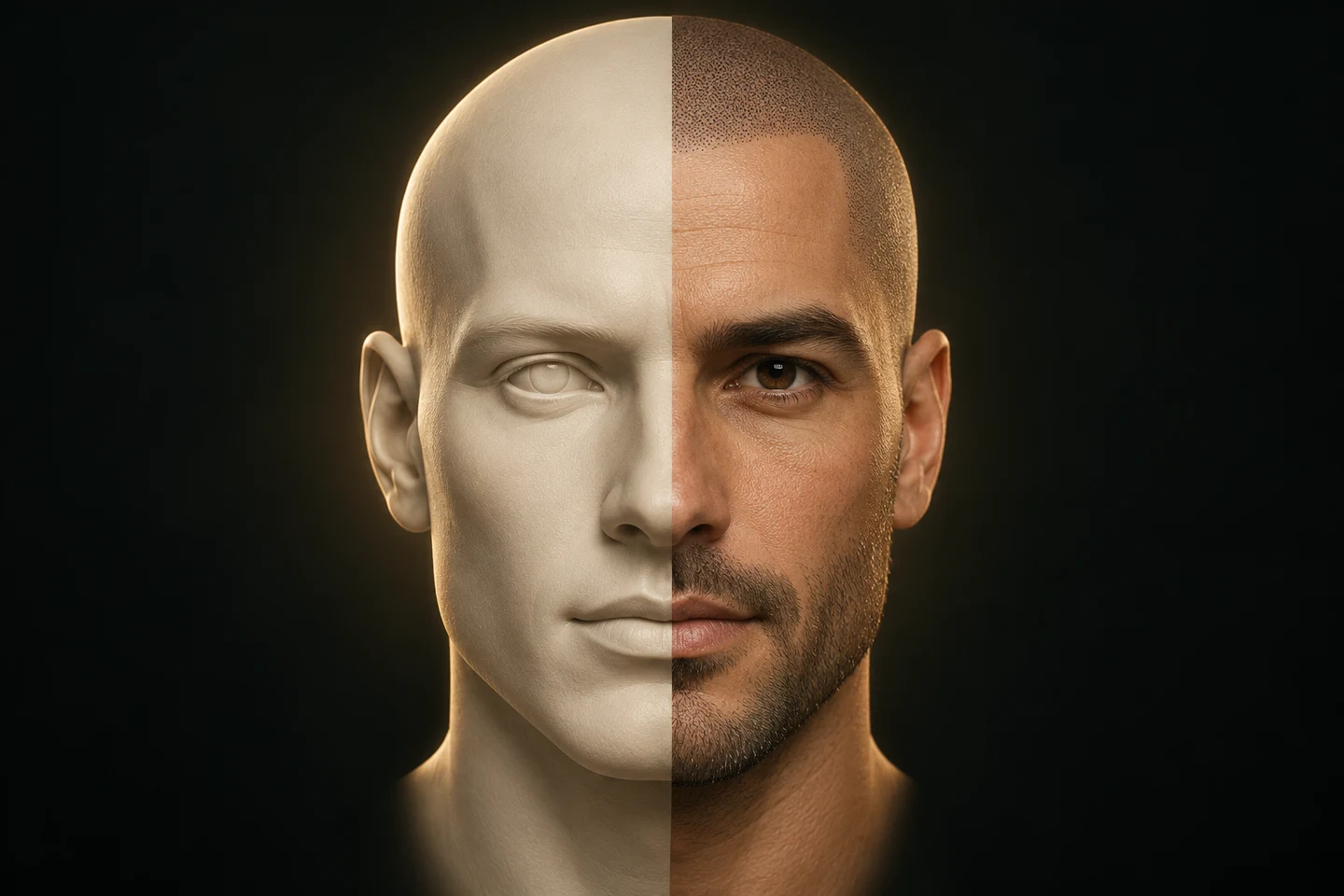
An illustrative preview. Your practitioner will assess the design and treatment with you.
GET TO KNOW THE CONTROLS
Try the controls below. In the simulator, you make these choices before requesting a preview on your own photo.

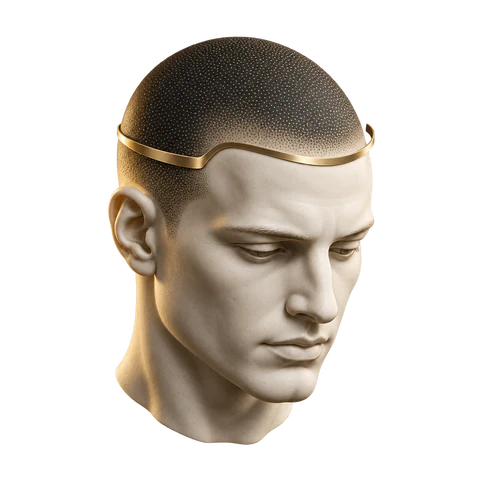
CHOOSE A SHAPE
Curved hairline · starting position · soft edge
The controls help you express a preference. Your practitioner will discuss a suitable shape and placement with you.
START WITH A CLEAR VIEW
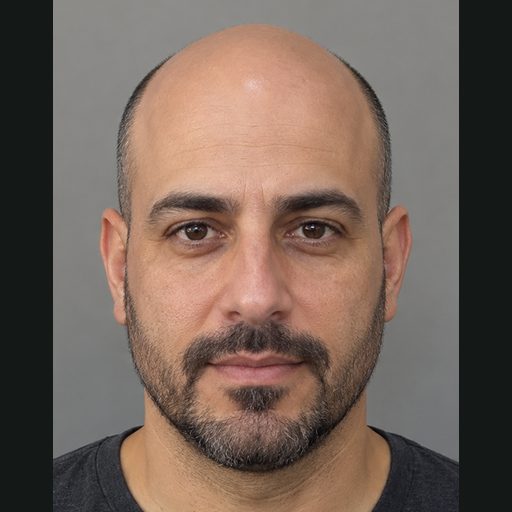
Keep your face and the top of your head visible. A clear picture gives the simulator more useful detail to work with.
Follow the guides for a front photo, then a slight left angle with your chin down. Keep the phone at eye level.
Choose a clear front photograph in JPG, PNG or WebP format. Keep hats, glare and deep shadows away from your scalp.
Face a soft light source. Leave enough space above your head so the scalp stays in the frame.
Eye levelFace and scalp
inside the frame.

A STARTING POINT FOR YOUR CONSULTATION
The simulator illustrates a shaved SMP appearance. It does not show new hair growth or predict your exact treatment result.
Bring your preview to your consultation. We will look at your scalp, remaining hair and facial proportions, then discuss the design and treatment with you.
Talk through my optionsKeeping your hair longer?
Explore SMP for densityThe current simulator does not preview density or scar camouflage.BEFORE YOU START
Know what you are requesting before you add your photos.
Scalp micropigmentation (SMP) is a cosmetic hair tattoo. This simulator illustrates the appearance of a closely shaved hairline using your photograph. It helps you explore a design before discussing the treatment with us.
The current simulator offers a free illustrative preview. A U.S. mobile number is required to receive the text link. Daily preview limits apply.
After choosing your hairline, enter your name, email address and a U.S. mobile number you can access. Request the image and follow the instructions in the simulator. It sends a text link when the preview is ready; generation times vary.
The simulator uses your photos to check framing and create the preview you request. Your contact details let us deliver the result and respond to your request. Read the SCALPS privacy policy before submitting.
The image is an illustration of possibilities. Your scalp, existing hair, treatment design, healing and lighting affect the actual appearance. A consultation is the place to assess your options.
View our original client results for treatment photographs. Keep those photographs separate from the illustrative simulator preview.
YOUR PHOTO. YOUR NEXT STEP.
Open the simulator and start with your photos.
Start my free SMP previewIllustrative preview · U.S. mobile number required · Opens in a new tab
Start with your goals. Choose a time. Talk it through with us.

Step one
Tell us what you’d like to change. Start with the survey below.
Start survey
Step two
Choose phone, Zoom or in person. Pick a time that works for you.
Choose a time
YOUR SMP CONSULTATION
Explore your starting point.
Then request a consultation.
Shaved hairlines. The look of fuller hair.
Scar camouflage.
Schedule your free consultation
Free. No treatment commitment.
Phone, Zoom, or at the studio.